 tratto
Settings
Open the settings with Tratto › Settings…, ⌘, on macOS or Ctrl+, on Linux. A change you make there applies at once.
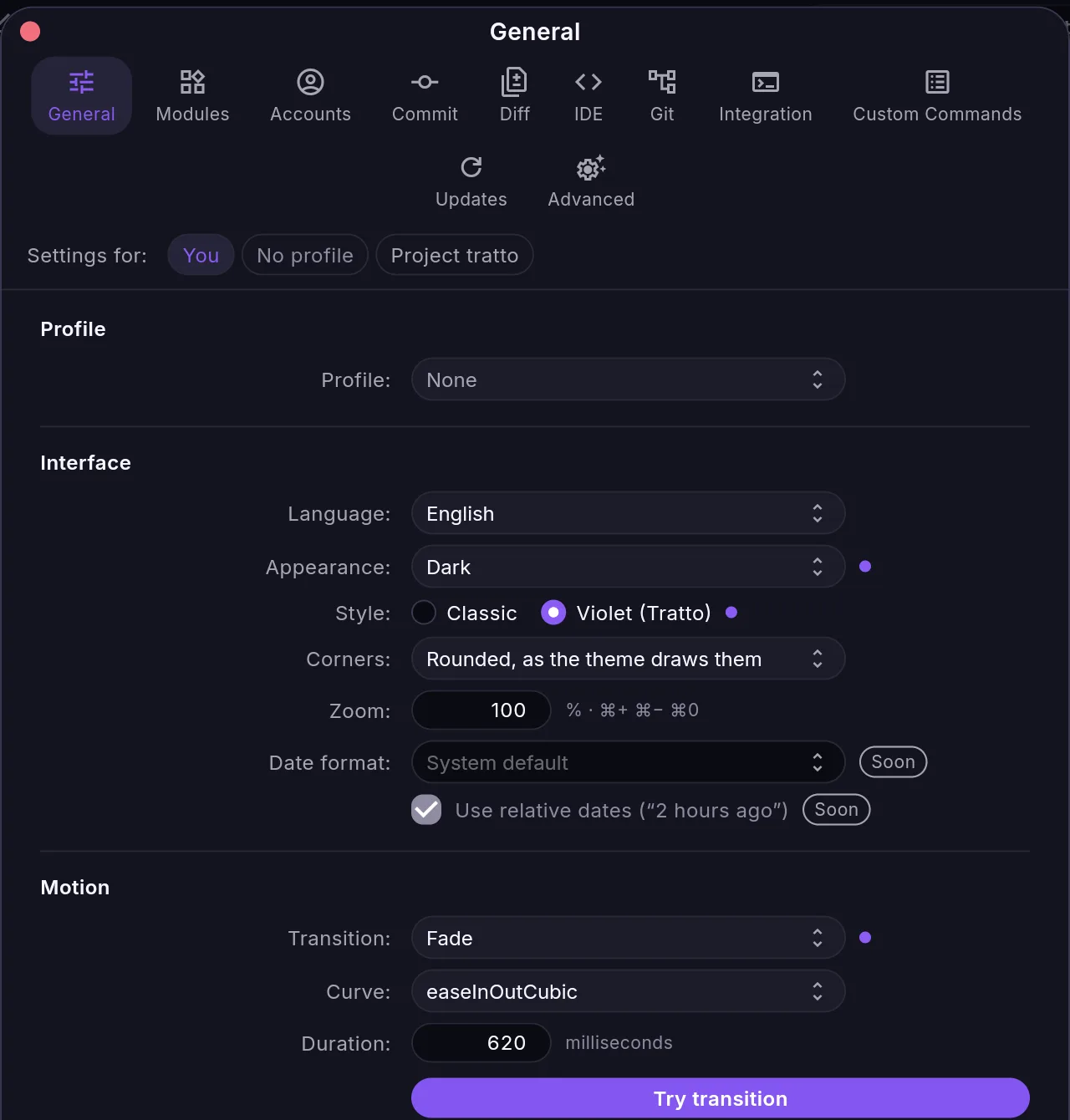
The panels
| Panel | What it covers |
|---|---|
| General | language, theme, appearance and motion; the history and its columns; branches; sync and notifications; Home; the projects folder and scan depth |
| Modules | which modules are shown, hidden or off, in which order |
| Accounts | hosting accounts (not built yet) |
| Commit | the commit message editor |
| Diff | the diff view, its limits and options, the changed files list, image compression |
| IDE | the explorer and the file viewer |
| Git | the Git executable, behaviour, your name and email, the Git configuration tratto mirrors, commit signing |
| Integration | terminal and editor, external diff and merge tools, hosts, the copilot's connection, AI tools and usage |
| Custom Commands | your own commands |
| Updates | the update check |
| Advanced | safety, troubleshooting and signing |
Settings that no code reads yet are marked Soon next to their name, so you can tell what changes something today. Among them: the Git path, external diff and merge tools, date formats, window restoring and the update channel.
Language and theme
General › Language is English or Română. General › Style is Violet (the default) or Classic, and Appearance is dark (the default), light, or follows the system.
Where the settings live
Every setting is one line in settings.json:
| System | Folder |
|---|---|
| Linux | ~/.config/tratto/ (or $XDG_CONFIG_HOME/tratto/) |
| macOS | ~/Library/Application Support/tratto/ |
TRATTO_CONFIG_DIR points tratto at another folder, for example to try a clean configuration.
tratto reads settings.json when it starts: restart tratto after editing the file by hand. Only style.json and the layout/ folder are watched and applied while it runs: see UI as data and Configuration files.