 tratto
Staging & commit
Your uncommitted work is in Local Changes, at the top of the history.
Stage and unstage
Local Changes has two lists, Unstaged and Staged. Select one or several files, then use the Stage or Unstage button of the list, its All box, or the context menu (Stage, Unstage, Copy, Discard).
tratto stages whole files. Staging single hunks or lines is not built yet.
Write the commit
Type the subject and, below it, the description, then press Commit. Tick Amend to replace the last commit instead. The ✦ button proposes a message from the staged changes and Explain changes describes them: see Explain changes & commit messages.
Undo and reset
- Repository › Undo Last Commit, or Undo on the commit, moves the branch back to the parent and keeps the changes in your working copy (a mixed reset).
- Repository › Reset Branch to Selected Commit… offers Soft, Mixed (the default) and Hard. A hard reset over uncommitted changes asks you to tick that you mean it.
Discard, and get it back
Discard on an unstaged file copies it into tratto's Trash first. Repository › Trash… lists what was discarded and restores it. The Trash keeps up to 512 MiB for 30 days. Changes bigger than that cannot be kept: tratto says so and asks before it discards them without a copy.
The diff
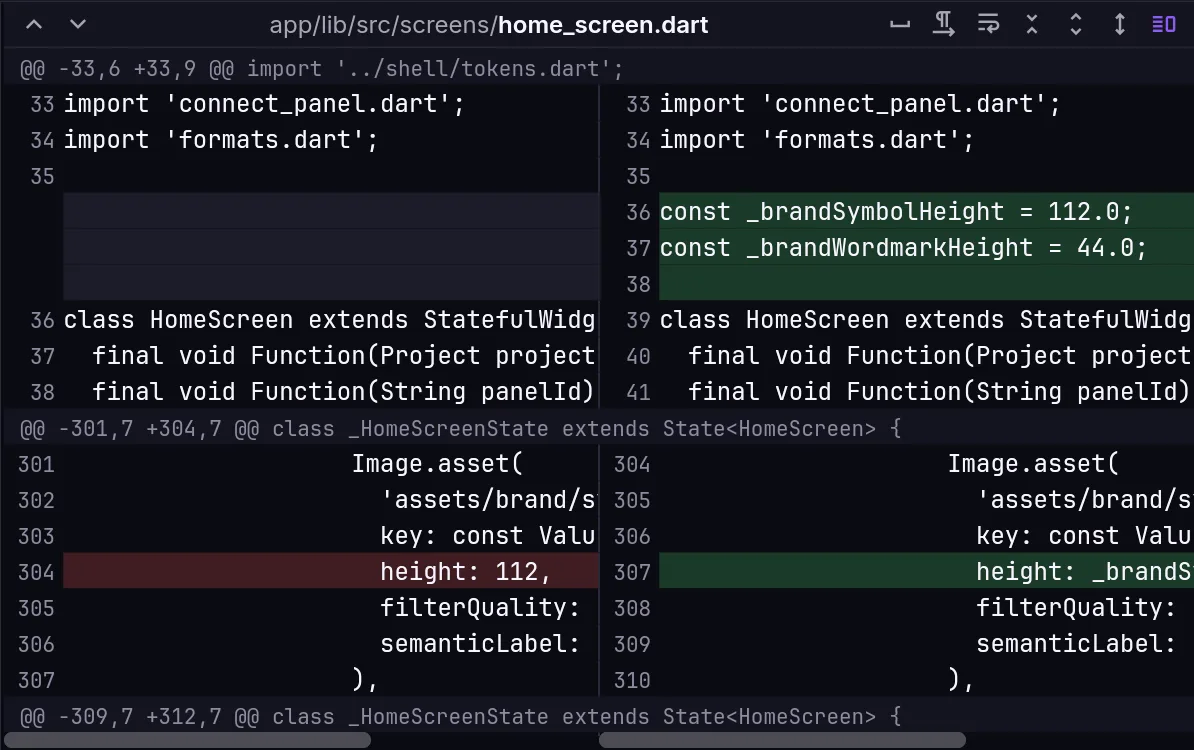
The bar above the diff switches between side by side and unified, shows invisible characters, wraps long lines, ignores whitespace, shows more or less context (three lines at a time) or the full file, and jumps between hunks. Images get a diff of their own. Compare to Local Changes on a commit diffs it against your working copy.
The defaults for these live in Settings › Diff.