 tratto
The navigation band & modules
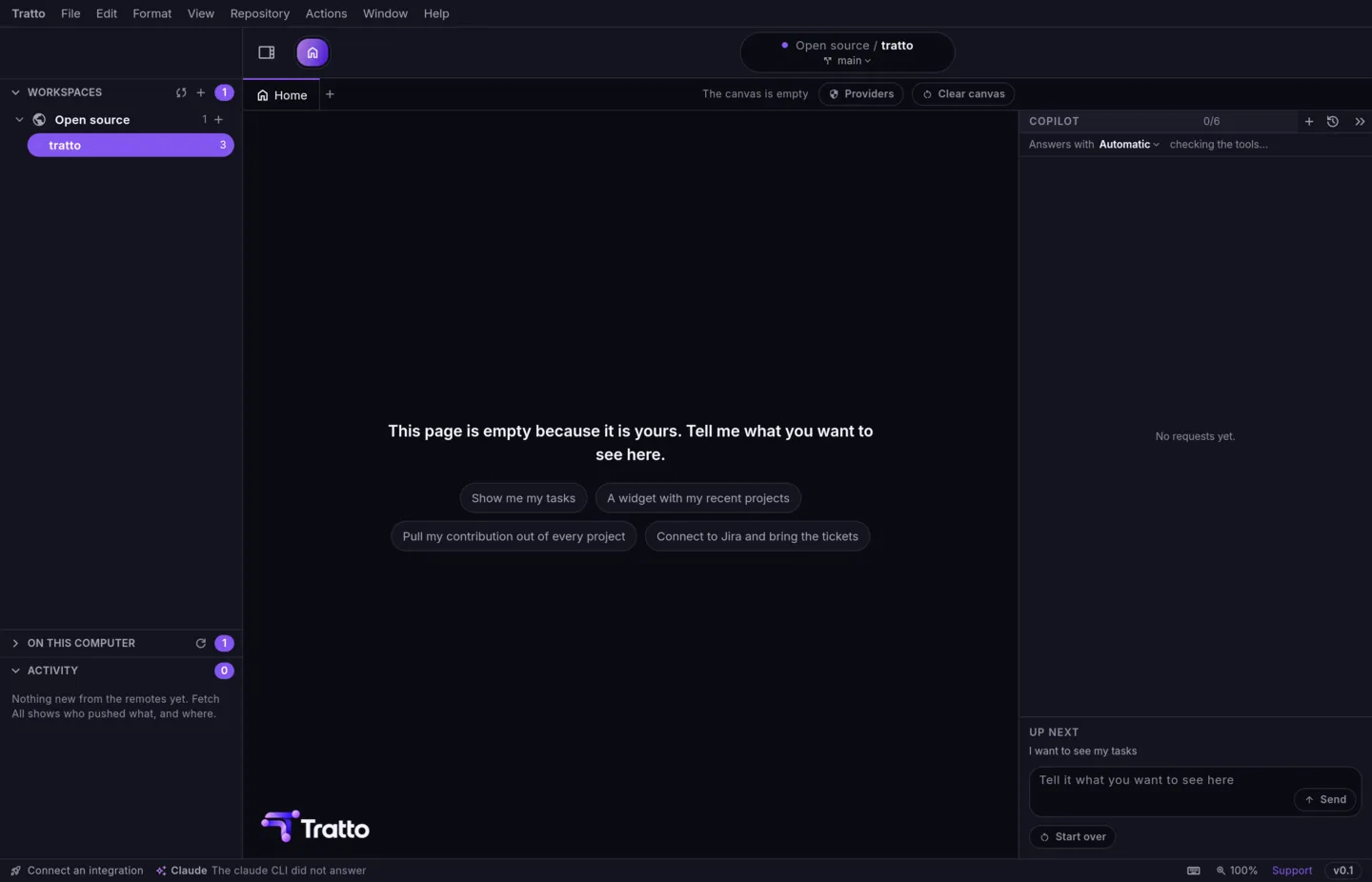
The navigation band runs across the top of the window: the Home button, the module bar, the notifications bell and the Quick Command button. Each module is a different view of the same projects.
The modules
| Module | macOS | Linux | What it does today |
|---|---|---|---|
| Home | ⌃⌥H | Ctrl+Alt+H | Pages of panels per project, and the copilot. |
| Git | ⌃⌥G | Ctrl+Alt+G | The repository: history, branches, changes, everything in the Git section. |
| IDE | ⌃⌥I | Ctrl+Alt+I | A file explorer and a read-only file viewer for the repository, with search. |
| Database | ⌃⌥D | Ctrl+Alt+D | A preview with sample data; it does not connect to a database yet. |
| Agents | ⌃⌥A | Ctrl+Alt+A | The Claude Code agents running on your machine, read only. |
| PM | ⌃⌥M | Ctrl+Alt+M | A preview of a ticket board with sample data; it does not connect to Jira yet. |
⌃⌥→ and ⌃⌥← (Ctrl+Alt+→, Ctrl+Alt+← on Linux) move to the next and the previous module.
Settings › Modules shows, hides or turns off each module. Home cannot be turned off.
Home
Home holds pages of panels you build for each project, and the copilot dock. See Pages & panels and Copilot. tratto starts on Home unless Settings › General says to reopen the last tab.
Git
The Git module is the Git client: see the Git section, starting with History & the graph. A project whose folder is not a repository, or has moved, says so instead.
IDE
Browse the files of the repository, open them in tabs and search across them (⇧⌘N for files, ⇧⌘F for text, double Shift for everything, on Linux Ctrl in place of ⌘). Files open read only: tratto is not an editor yet.
Agents
If you run Claude Code, the Agents module shows its sessions and sub-agents, their cost, the worktrees they work in, and which uncommitted files each one changed. See Agents.
Notifications and Quick Command
The bell (⌃⌥U / Ctrl+Alt+U) opens what changed on your remotes: see Notifications. The Quick Command button, or ⌘P / Ctrl+P, finds a repository or a command: see Quick Command.
Menus on Linux
On macOS tratto uses the system menu bar. On Linux it draws its own menu bar in the window, with the same menus.