 tratto
Introduction
tratto is a desktop Git client for Linux and macOS whose interface is data: its themes, texts, layouts and settings are files that you, or the copilot, change while it runs. Underneath, a Rust core does the Git work and does not know the interface exists.
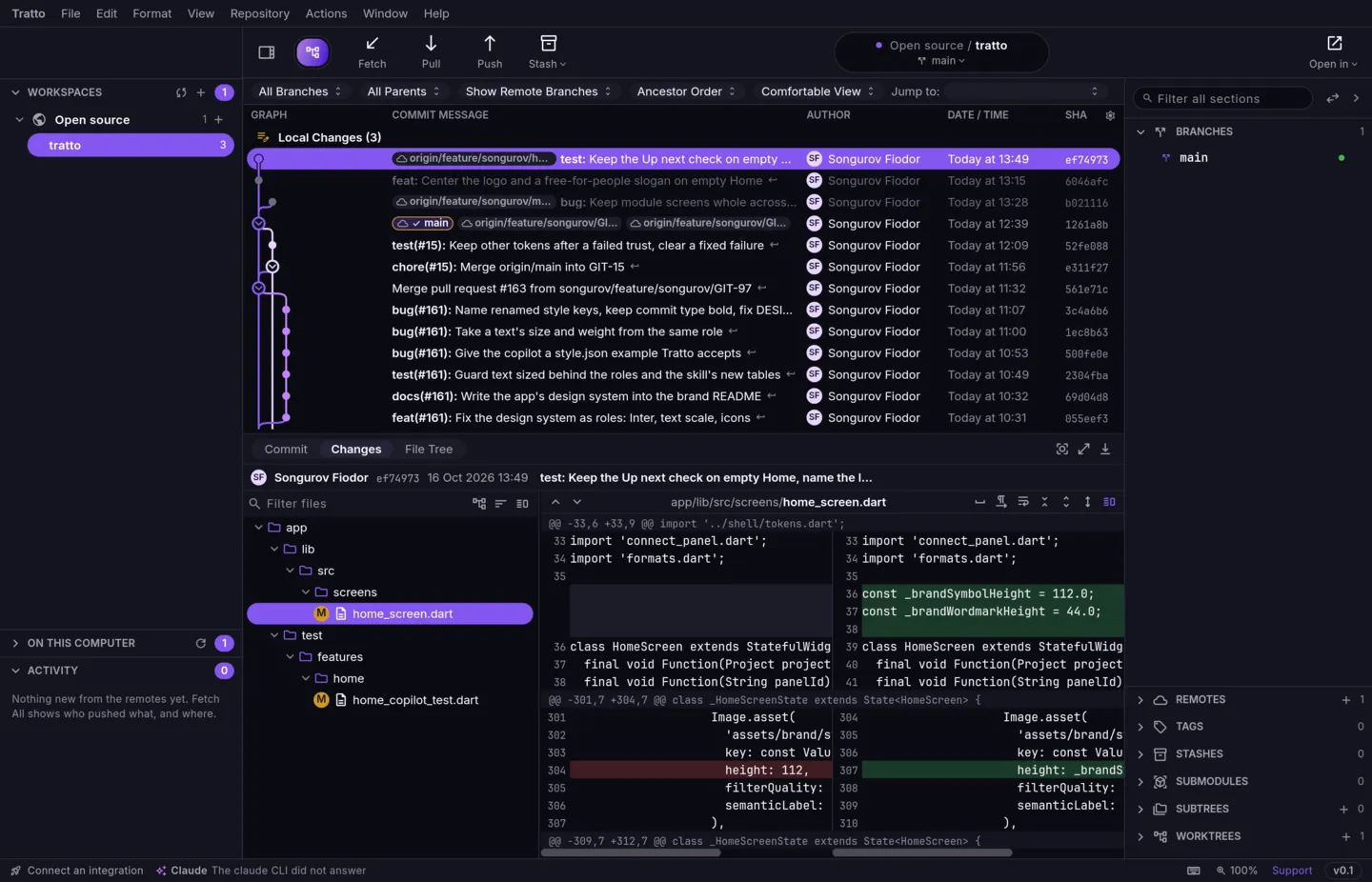
- History you can read: branches and merges drawn as a graph; commits only on the remote dimmed, unpushed ones marked.
- Git without the terminal: staging, commits, branches, tags, stashes, worktrees, submodules, subtrees, Git Flow, merge, cherry-pick and revert, each from a menu or a right-click.
- Never a force push: pull follows your Git configuration, push never forces, and discarded files go to a Trash you can restore from (up to 512 MiB, for 30 days).
- Many repositories at once: workspaces gather your projects, fetch runs on its own, and notifications tell you what changed on the remotes.
- AI that stays yours: Claude Code or Codex, if you have them, propose commit messages, explain changes and write pull request descriptions; nothing reaches your repository without your yes.
- The keyboard first: every command is in Quick Command (
⌘P/Ctrl+P) and most have a key.
tratto is young. Pages in these docs say plainly when something is partial or not built yet.
Quickstart
- Install trattoThe AppImage or the tarball on Linux.
- Open your first repositoryAdd one from your disk, or clone one.
- Find your way aroundThe navigation band and its modules.
- Learn a few keysQuick Command, the modules, fetch, pull and push.
- Make it yoursTheme, language, folders to scan and the rest of the settings.
- Connect an AI toolOptional; Claude Code or Codex.
Explore
- Git: start with History & the graph and Staging & commit.
- Home: your pages and panels and the copilot.
- Customize: how the interface is data, and what you can change today.
- Reference: every keyboard shortcut, generated from the app's own menus.
Every page is also plain Markdown: use Copy page or View as Markdown at the top, or point an agent at /llms.txt.