 tratto
Themes
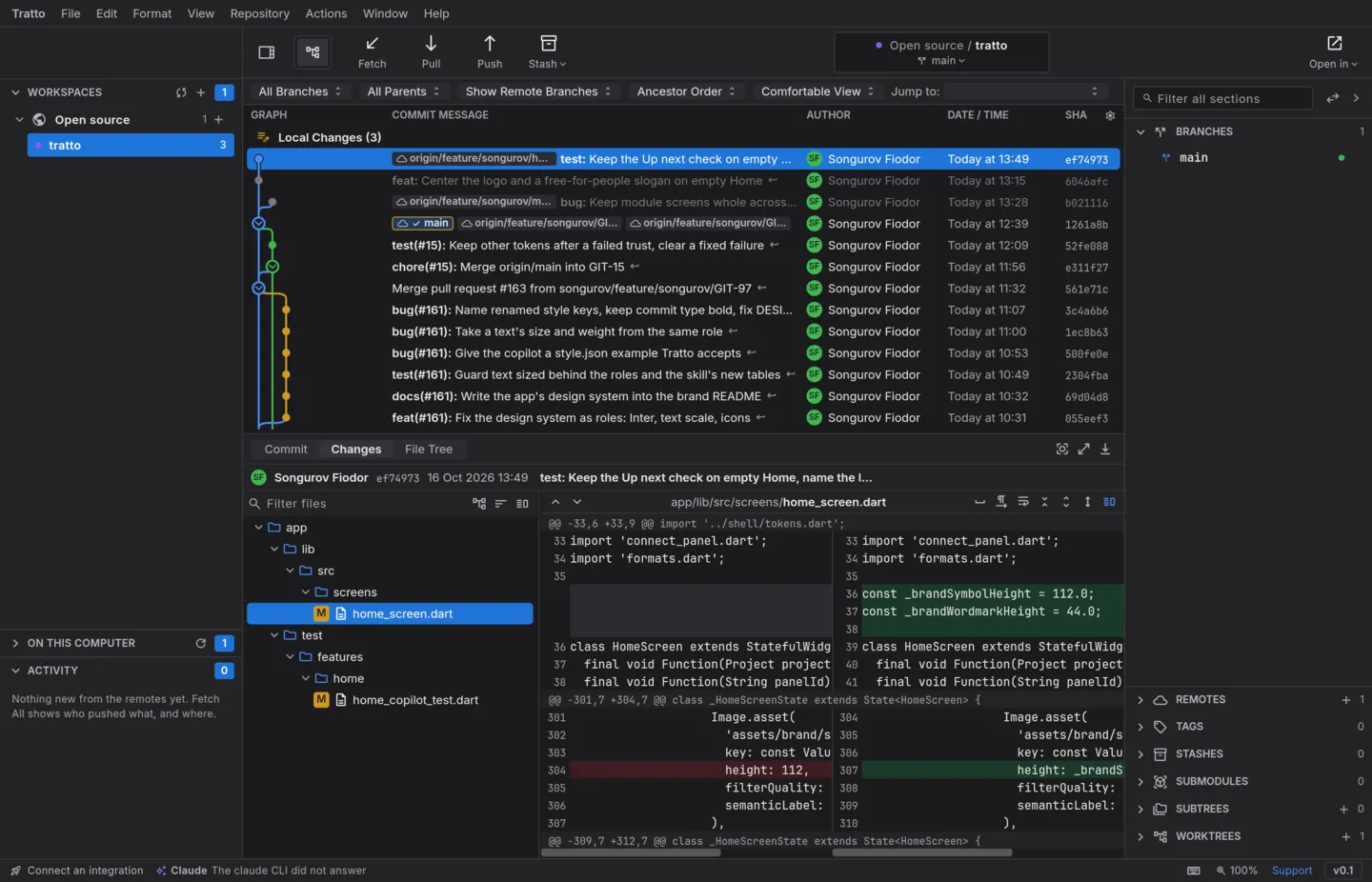
tratto ships two styles, Violet and Classic, each in dark and light. Settings › General chooses the style and the appearance (dark, light, or the system's).
Restyle it live: style.json
style.json in the configuration folder is laid over the theme and applied as soon as you save it.
{
            "schema": 1,
            "colors": { "accent": "#8b5cf6" },
            "radii": { "button": 10 },
            "dark": { "colors": { "background": "#101014" } }
          }
It can set colours, corner radii, strokes, text sizes and weights, fonts, icons and spacing, for both appearances or under light and dark separately. Every key is optional, colours are #RRGGBB or #RRGGBBAA, and a wrong file is refused as a whole while the last good one stays. Asking the copilot to restyle tratto writes this file.
Adjust a built-in theme
A file in themes/ named after a built-in theme (violet-dark.json, violet-light.json, classic-dark.json, classic-light.json) changes that theme; tratto reads it when it starts. Only the built-in themes can be adjusted this way: a file with a new name is refused with a warning. Adding a theme of your own is not supported yet.